
One click to activate your strategy
Choose your risk level — low, medium, or high — and activate a pre-built AI strategy. No technical knowledge or complicated setup needed.
Intelligent Algorithmic Trading

4.3 out of 5
4.8 out of 5
4.7 out of 5
4.2 out of 5
Beastables AI makes automated crypto trading simpler. Choose a strategy, configure it, and manage everything in one place.
Choose your risk level — low, medium, or high — and activate a pre-built AI strategy. No technical knowledge or complicated setup needed.
Explore each strategy’s risk level and bot type before you begin. Set your preferences and stay in control of how much risk you take.
Automated stop-losses, exposure monitoring, and dynamic risk controls help manage your positions while you’re away from the charts.
Explore automated strategies with built-in risk controls, designed around your trading goals.
$5007-day cycle
Connect your wallet to Beastables AI.Connect your wallet to Beastables AI and get ready to explore.
Add crypto funds for your chosen bot.Add crypto funds to get started with your selected bot.
Pick from 10+ strategies to suit your goals.Explore 10+ AI strategies and choose the risk level that suits you.
Let your bot run. Track it at a glance.Let your bot run while you track its activity and performance.
Different markets. Different approaches. Discover the Beastables AI bot type that fits the way you want to trade.
Dollar cost averaging
Build a position gradually by investing set amounts at regular intervals, spreading your entry points over time.
Fund security
A clear approach to account protection, responsible access, and visibility into your funds.

Understand the platform requirements and review the terms before getting started. Make informed decisions about how you trade.
Beastables AI brings people, ideas, and learning together. Because progress means more when it is shared.
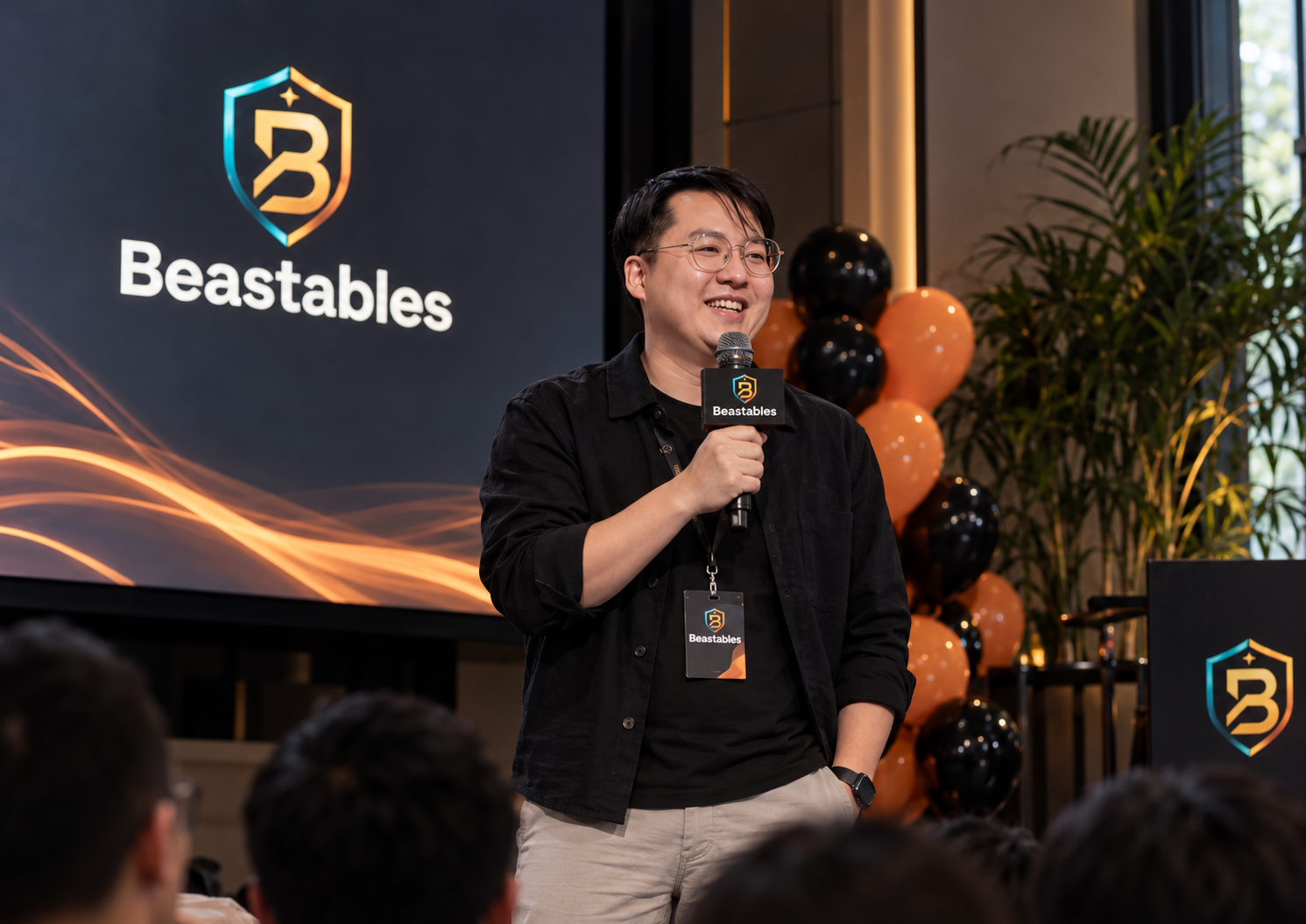
Learning together
Beastables AI makes room for conversations about bots, risk, and trading habits, helping our community explore automation with greater clarity.

Learning from each other
Every question opens another conversation. Exploring strategies together gives our community more perspectives to consider before taking the next step.
Making connections
A shared interest in trading becomes a starting point for exchanging ideas, meeting other people, and learning from different perspectives.


Giving back
A stronger community reaches beyond trading. Supporting meaningful causes and encouraging generosity are values worth growing together.

Giving inspiration - Donation credited to Thrivent Mutual Funds

